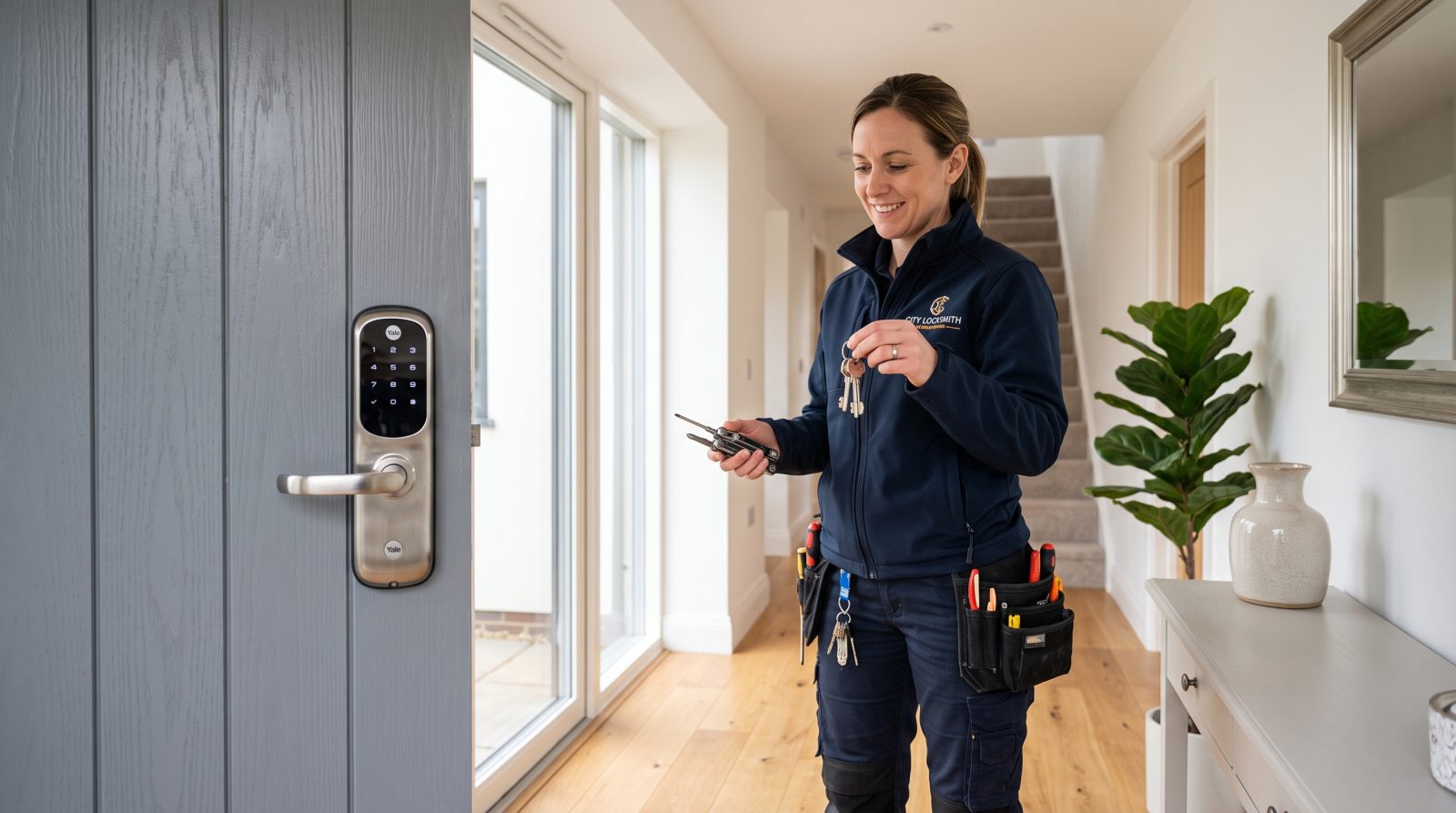
What is a smart lock and how does it work?
A smart lock is an electronic locking device that lets you lock and unlock a door through digital credentials instead of (or in addition to) a physical key. Inside, a small motor or actuator throws the deadbolt when it receives an authorized signal. That signal can come from a code you type on a keypad, a tap or auto-unlock from your phone, a fingerprint reader, or a command sent through a connected app.
Most residential smart locks fit a standard door prepped for a deadbolt, so they install in the same hole pattern a regular deadbolt uses. The majority run on replaceable AA batteries or a rechargeable pack, which means they keep working during a power outage but do require you to change or charge the batteries periodically. Many models also keep a traditional keyhole as a mechanical backup, while others rely on a keypad or backup power options instead.
Connectivity is what makes a lock 'smart.' A Bluetooth-only lock talks directly to your phone when you are nearby. A Wi-Fi lock (or one paired with a separate bridge or hub) can also be reached from anywhere with an internet connection, which is what enables remote lock/unlock, status checks, and notifications when someone comes or goes.
- Keypad: enter a numeric code to unlock; good for guests and contractors with temporary codes.
- Smartphone app: unlock by Bluetooth proximity, a button in the app, or auto-unlock when you arrive.
- Biometric: a fingerprint reader stores and matches your print locally on the lock.
- Key fob or card: a small RFID device you tap against the lock.
- Mechanical key backup: many models keep a physical keyway in case batteries die.
What are the main types of smart locks?
Smart locks generally fall into a few families based on how they mount to your door and how you interact with them. Choosing the right type usually comes down to whether you want to keep your existing keys, how your door is built, and how you prefer to unlock day to day.
Deadbolt replacement locks swap out your entire deadbolt, inside and out, and give you a full keypad or touchscreen on the exterior. Retrofit (interior-only) locks leave your existing exterior deadbolt and keys untouched and simply motorize the thumb-turn on the inside, which is popular with renters because it does not change the outside of the door. Lever and handle-set smart locks combine the latching handle and the smart mechanism, often used on doors without a separate deadbolt.
Beyond mounting style, locks differ by credential. Keypad locks center on codes, app-first locks center on your phone, and biometric locks add a fingerprint sensor. Many modern locks combine several of these so different household members can use whatever method they prefer.
- Deadbolt replacement: full exterior keypad/touchscreen; replaces the whole deadbolt.
- Retrofit / interior-only: keeps your existing exterior lock and keys; motorizes the inside thumb-turn.
- Lever or handle-set: integrates the latch handle, for doors without a separate deadbolt.
- Keypad / touchscreen: code-based entry, easy to share temporary codes.
- Biometric: fingerprint unlock, with a code or app as backup.
What do Z-Wave, Zigbee, Wi-Fi, and Matter mean?
These are the wireless standards that let a smart lock talk to your phone and the rest of your smart home. Understanding the basics helps you avoid buying a lock that will not work with the system you already have.
Bluetooth is short-range and direct between the lock and your phone; it is simple and battery-friendly but does not, by itself, allow remote control. Wi-Fi lets a lock connect straight to your home network for remote access, at a higher battery cost. Z-Wave and Zigbee are low-power 'mesh' standards designed for home automation; they need a compatible hub but sip battery and let the lock participate in routines with other devices. Matter is a newer industry standard, backed by a broad group of manufacturers, created so smart-home devices from different brands can work together more reliably; Matter locks typically connect over a low-power radio called Thread and a Matter-compatible hub or controller.
Before buying, check which standard your hub, phone ecosystem, or voice assistant supports, and confirm the specific lock lists compatibility. A lock that is technically excellent but does not match your hub will leave you with fewer features than the box promises.
- Bluetooth: short-range, direct to phone, battery-friendly, no native remote access.
- Wi-Fi: connects to your home network for remote control; uses more battery.
- Z-Wave / Zigbee: low-power mesh standards that need a compatible hub.
- Thread / Matter: newer cross-brand standard aimed at easier, more consistent interoperability.
- Always confirm the lock's listed compatibility with your specific hub or app before buying.
Are smart locks secure?
Smart locks can offer solid security, but 'smart' is not automatically 'safer' than a quality mechanical deadbolt. Physical security and digital security are two different layers, and a good smart lock has to handle both.
On the physical side, the strength of the bolt, the strike plate, and the door frame still matter as much as they do with any deadbolt. A smart lock attached to a weak frame is no harder to force than a standard lock on that same frame. Independent product testing and certification programs exist for door hardware durability and security; if those ratings matter to you, look for them on the specific model and verify the claim on the manufacturer's listing rather than assuming.
On the digital side, the meaningful questions are how the lock encrypts its communication, how your account is protected, and how the manufacturer handles updates. Practical homeowner habits do more for everyday safety than any single feature: use a unique, hard-to-guess code, enable two-factor authentication on the companion app, remove guest codes you no longer need, and install firmware updates when offered.
A note on honesty and safety: we describe how smart locks are categorized and protected, not how to defeat locks or bypass security. If you are ever locked out, the safe path is to contact a professional locksmith rather than attempting forced entry, which can damage the door and the lock.
- Physical strength still depends on the bolt, strike plate, and door frame.
- Look for and verify any durability or security certifications on the exact model.
- Use a unique entry code and turn on app two-factor authentication.
- Delete temporary guest codes after they are no longer needed.
- Apply firmware updates when the manufacturer releases them.
Should I install a smart lock myself or hire a locksmith?
Many retrofit and deadbolt-replacement smart locks are designed for DIY installation with basic tools, and a homeowner comfortable with a screwdriver can often handle a standard door. The process usually involves removing the old deadbolt, fitting the new exterior and interior assemblies, connecting them, adding batteries, and pairing the lock with its app.
Hiring a locksmith makes sense when the situation is not standard. Older or non-standard doors, misaligned frames, metal or glass doors, mortise locks, or homes where you want several doors keyed and configured to work together are all cases where professional fitting saves time and prevents a poorly aligned bolt that drains batteries or jams. A locksmith can also advise on whether your door is a good candidate before you buy.
Costs vary widely by region, door type, and the lock you choose, so treat any figure as a typical industry range and an estimate, not a quote. For straightforward installations the labor is often modest; complex doors or multi-door projects cost more. The most reliable way to know your number is to request a free quote describing your door and the lock you have in mind.
Whatever route you choose, keep your old hardware and any keys in a safe place during the swap, test the lock from both inside and outside before you rely on it, and confirm the mechanical or backup-entry method works as expected.
- DIY is realistic for standard doors and most retrofit or deadbolt-replacement models.
- Hire a pro for older, metal, glass, or misaligned doors, mortise locks, or multi-door setups.
- Treat all pricing as typical estimated ranges, not fixed quotes.
- Test the lock inside and out, and confirm your backup-entry method, before relying on it.
- Ask for a free quote with your door and lock details for an accurate price.