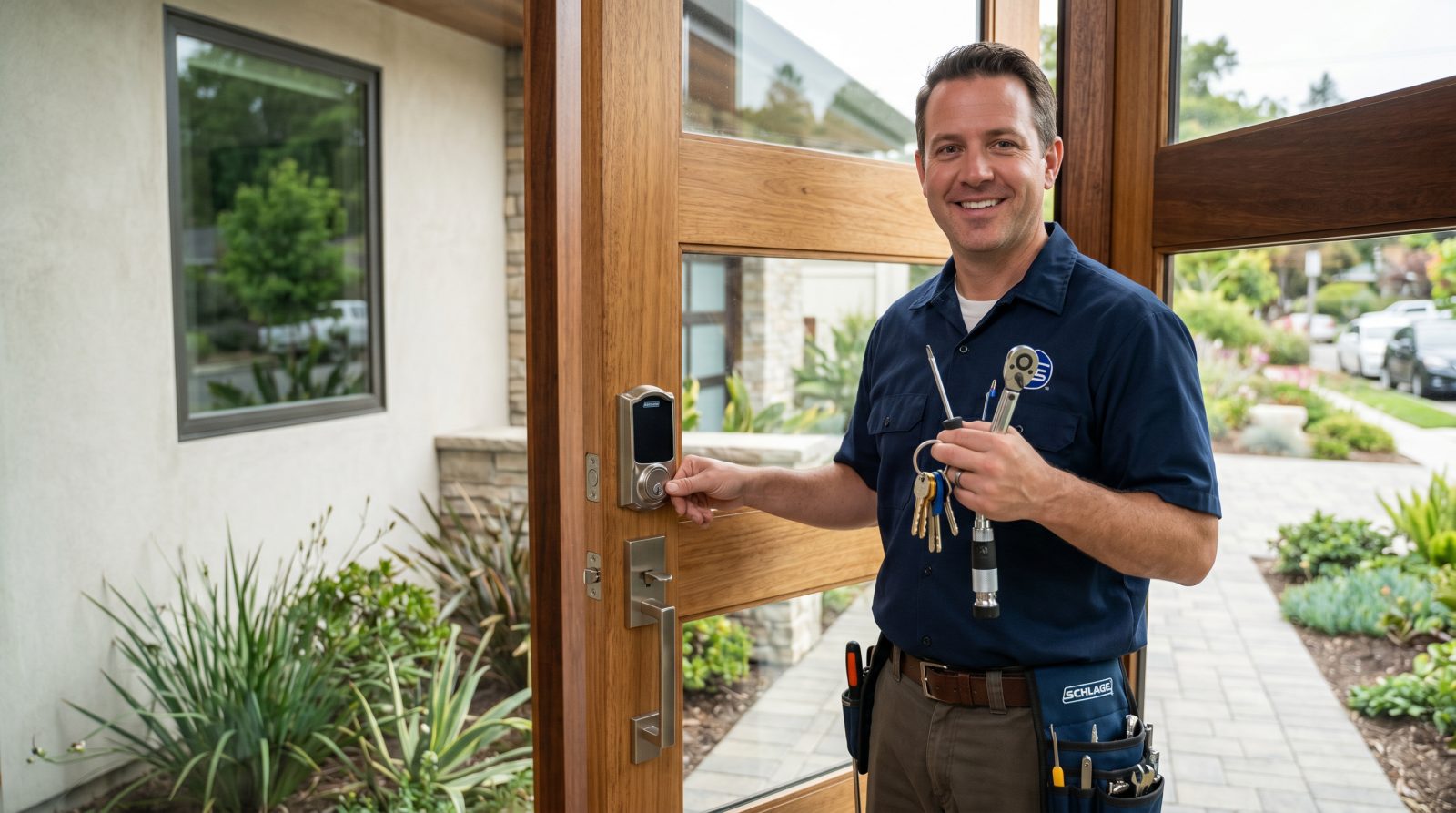
What does smart lock installation typically cost?
For a single door, a professionally installed smart lock commonly lands in the range of about $150 to $650 all-in. That total has two parts: the hardware (the lock) and the labor (the installation). Splitting them out makes it easier to understand what you are paying for and where you can adjust the budget.
Hardware is usually the bigger variable. A basic keypad deadbolt often costs around $100 to $200, mid-range Wi-Fi and app-connected models tend to run about $180 to $300, and premium or fingerprint and keyless systems can reach $300 to $400 or more. Labor for a straightforward swap on a standard pre-drilled door is frequently in the $50 to $150 range, while jobs that need extra work such as new boring, alignment fixes, or smart-home setup can push labor toward $200 to $250.
Treat all of these as typical industry ranges rather than firm prices. The only way to know your real number is an estimate based on your specific door and the lock you want.
- Lock hardware (basic keypad deadbolt): about $100-$200
- Lock hardware (mid-range Wi-Fi/app model): about $180-$300
- Lock hardware (premium/fingerprint/keyless): about $300-$400+
- Professional labor (standard swap): about $50-$150
- Professional labor (extra prep or setup): up to about $200-$250
- Common all-in total per door: roughly $150-$650
What factors affect the price of installing a smart lock?
Most of the spread in smart lock pricing comes down to a handful of practical factors. Knowing them ahead of time helps you predict whether your job sits at the low or high end of the range, and avoids surprises when the work is being scoped.
The single biggest driver is the lock itself, followed by the condition of your door and how much prep the installation needs. A clean swap onto an existing, properly sized hole is quick; a door that needs new drilling, reinforcement, or alignment work takes longer and costs more.
- Lock model and features: keypad-only is cheaper than Wi-Fi, fingerprint, or full keyless systems
- Door type and material: solid-core, metal, or non-standard doors can take more time than a standard wood door
- Existing hardware: reusing a correctly sized bore hole is faster than drilling a new one
- Number of doors: per-door labor often drops when several locks are installed in one visit
- Door alignment and prep: misaligned strikes, swollen doors, or worn frames may need adjustment first
- Smart-home setup: connecting to Wi-Fi, a hub, or an app and testing it adds time
Is it cheaper to install a smart lock yourself or hire a pro?
Many modern smart locks are designed for DIY installation and fit a standard pre-drilled door using basic tools. If your door already has a correctly sized deadbolt hole and you are comfortable following instructions, doing it yourself can save the labor portion of the cost, typically the $50 to $250 you would pay a professional.
Hiring a pro tends to make sense when the door needs drilling or modification, when the existing hole is the wrong size, when the door is metal or non-standard, when you have multiple doors, or when you simply want it set up, aligned, and tested correctly the first time. A professional can also flag fit and alignment issues that shorten a lock's lifespan if ignored.
A reasonable rule of thumb: if the box says it fits standard doors and yours qualifies, DIY is realistic. If anything about your door is unusual or you are unsure, the labor cost is often worth it to avoid a damaged door or a lock that does not seat properly.
What additional costs should you budget for?
The headline lock-plus-labor figure is not always the whole picture. Depending on your setup and goals, a few add-on costs can come into play. None of these are universal, but it is worth checking which apply to you before you commit to a budget.
Most of these are optional or one-time. Asking about them up front when you request an estimate keeps the final price predictable.
- Accessories: extra key fobs, additional keypads, or a connectivity hub/bridge for some models
- Door modifications: drilling, reinforcement plates, or strike-plate upgrades if needed
- Removal of old hardware: usually minor, but worth confirming it is included
- Subscriptions: a few brands charge optional monthly fees for advanced app features or video add-ons
- Batteries and maintenance: smart locks run on batteries that need periodic replacement
- Multiple matched locks: keying or app-pairing several doors to work together
How can you keep smart lock installation costs down?
There are sensible ways to control the cost without cutting corners on security. The biggest savings usually come from choosing the right lock for your actual door and bundling work so you are not paying for repeat visits.
If you are weighing models, focus on the features you will genuinely use. A reliable keypad deadbolt covers the core convenience of keyless entry at a lower price than a premium system with features you may never touch. When you request an estimate, ask for the lock and labor to be itemized so you can see exactly where your money is going.
- Pick a lock that fits your door's existing bore size to avoid drilling charges
- Match the model to the features you'll actually use instead of paying for extras
- Install several doors in one visit to lower the per-door labor cost
- Confirm what's included, such as old-hardware removal, testing, and app setup
- Ask for an itemized estimate so hardware and labor are clearly separated
- Check whether your chosen model needs a paid subscription before you buy